
Embroidery Machine Buying Guide
The right embroidery machine is determined by the products you want to make, the size and complexity of your designs, how often you will use it and whether the work is recreational or commercial.
Browse Recommended Options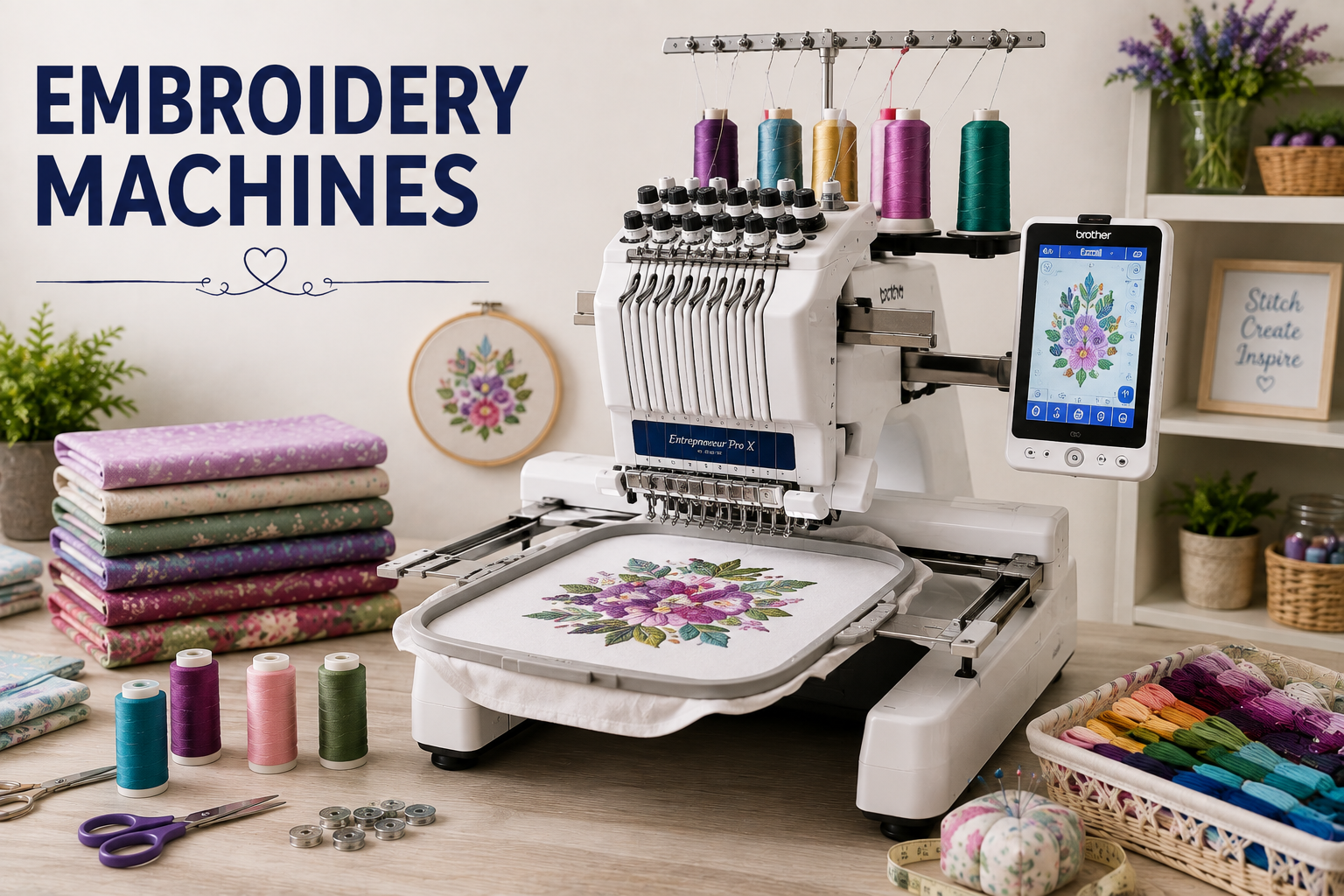
Quick Answer
Start with project type and maximum design size. Then decide between embroidery-only, combination, single-needle and multi-needle formats. Confirm hoops, transfer methods, file compatibility, support and total ownership cost before buying.
How to Build Your Shortlist
Compare current models against these four buying roles before focusing on individual features.
Best Overall Fit
A balanced machine with the field, workflow and support needed for the most common target projects.
Best Value
Core performance and dependable controls without paying for capacity unlikely to be used.
Best for Growth
Accessory, software and service support that can accommodate more demanding future work.
Features That Matter Most
These factors have the greatest effect on capability, daily workflow and long-term value.
Machine format
Choose embroidery-only, combination, single-needle or multi-needle based on sewing needs, order volume and garment types.
Maximum embroidery area
Measure the largest designs you expect to make and verify the actual field, not only the included hoop.
Hoop ecosystem
Small, large, magnetic, cap and specialty hoops expand capability but must be compatible with the exact model.
Transfer and formats
Confirm supported file formats and whether designs transfer by USB, wireless connection, app or direct computer link.
Editing and positioning
On-screen resize, rotation, lettering, tracing, cameras or laser positioning can reduce setup errors.
Service and training
Consider dealer access, warranty terms, classes, manuals, software support and replacement accessories.
How to Choose
Begin with the largest and most demanding project you realistically expect to complete. Confirm the machine's actual field, compatible accessories, file or stitch system, workspace and service options. Compare the full ownership cost, including supplies, software, training and maintenance.
Prioritize
- Compatibility with your target projects
- A workflow you can repeat confidently
- Accessible controls and clear documentation
- Parts, accessories and service support
- Capacity for realistic future growth
Avoid
- Buying only by stitch or design count
- Assuming every hoop or accessory is universal
- Ignoring workspace and loading clearance
- Using headline speed as the only performance measure
- Underestimating supplies and training costs
Care and Ownership
Follow the Manual
Use the specified needles, thread paths, oiling guidance and cleaning schedule for the exact model.
Test Before Production
Run samples with the final fabric, stabilizer, thread, design density and settings before committing to the finished item.
Protect the Workflow
Keep compatible consumables on hand, back up design files and address unusual sound, tension or stitch formation early.
Frequently Asked Questions
What embroidery field should a beginner choose?
Choose a field that fits your likely projects without paying for unused size. Small monograms need less space than jacket backs, quilts or large décor designs.
Should I buy embroidery-only or a combination machine?
Choose embroidery-only if you already own a sewing machine or want dedicated operation. Choose a combination model for limited space and mixed use.
How important are built-in designs?
Useful at first, but hoop options, transfer workflow, file compatibility and editing tools often have greater long-term value.
Do embroidery machines include software?
Some include basic tools or apps, while advanced digitizing software may be separate. Verify what is included and compatible.
What supplies should be budgeted?
Plan for thread, bobbins, needles, stabilizers, hoops, design files, software, blanks and maintenance.
Is a dealer machine worth more?
Dealer support can add training, setup and service value, especially for advanced or business-oriented machines.
Compare Current Options
Use the criteria above to narrow the category, then check current models, accessories, availability and pricing.
View Recommended Options